
Ready replies in the creator’s voice
One click writes a reply in the creator’s voice, right beside the chat.
Sufflera is a CRM and reply assistant for OnlyFans, Fansly and Fanvue, for agencies and for creators who chat themselves. Open a chat, and one click gives you a reply in the creator’s voice, based on everything about the fan.
One creator and 100 drafts a month are free. It is not a trial and does not expire.
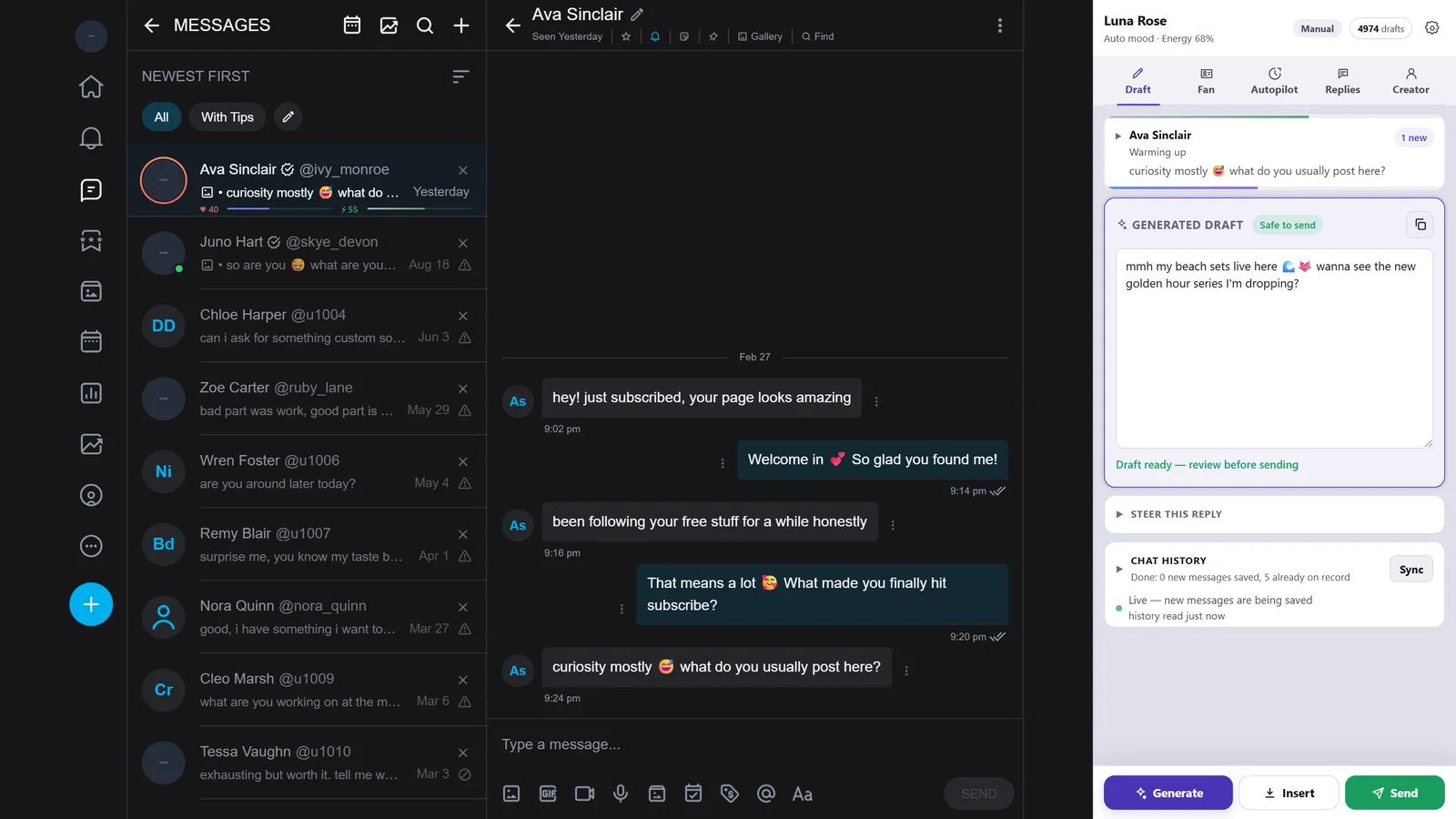
It opens next to the fan chat and stays open while you work.
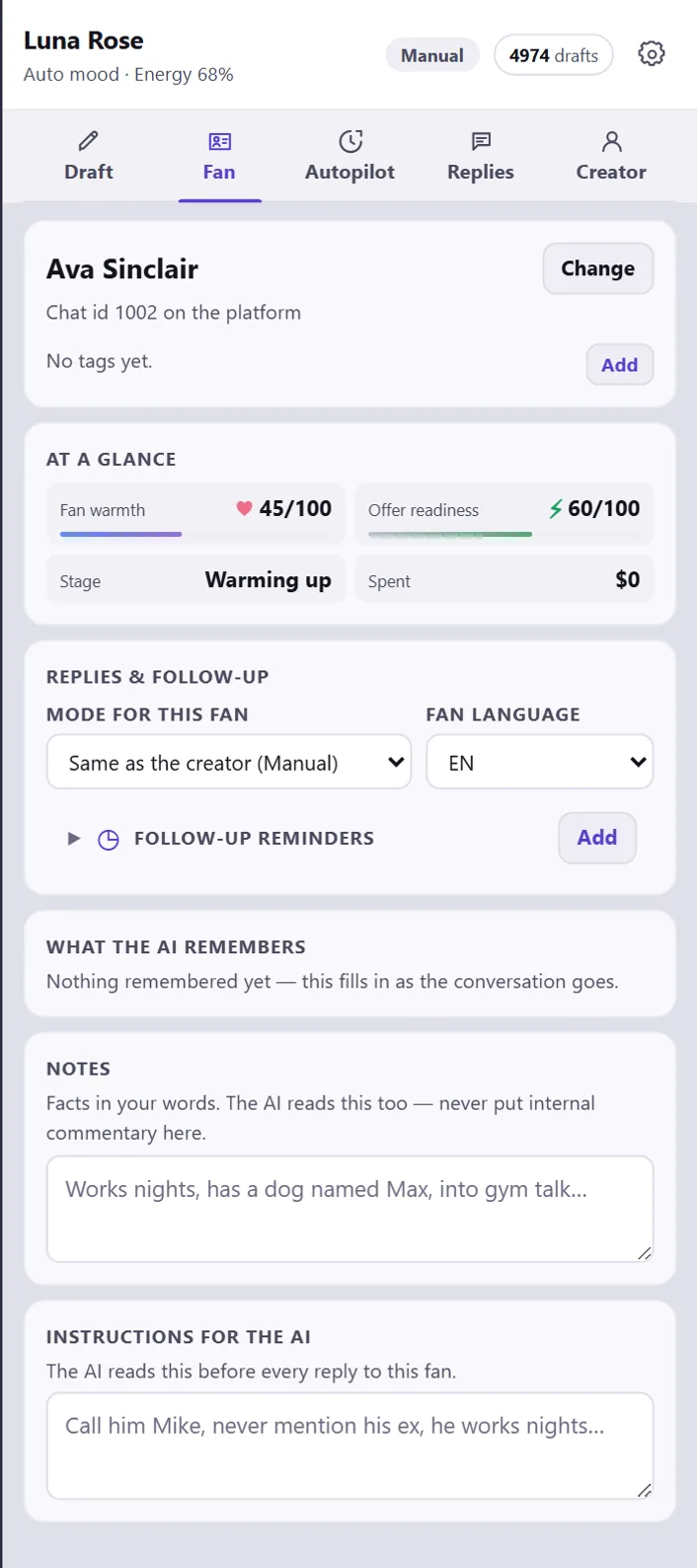
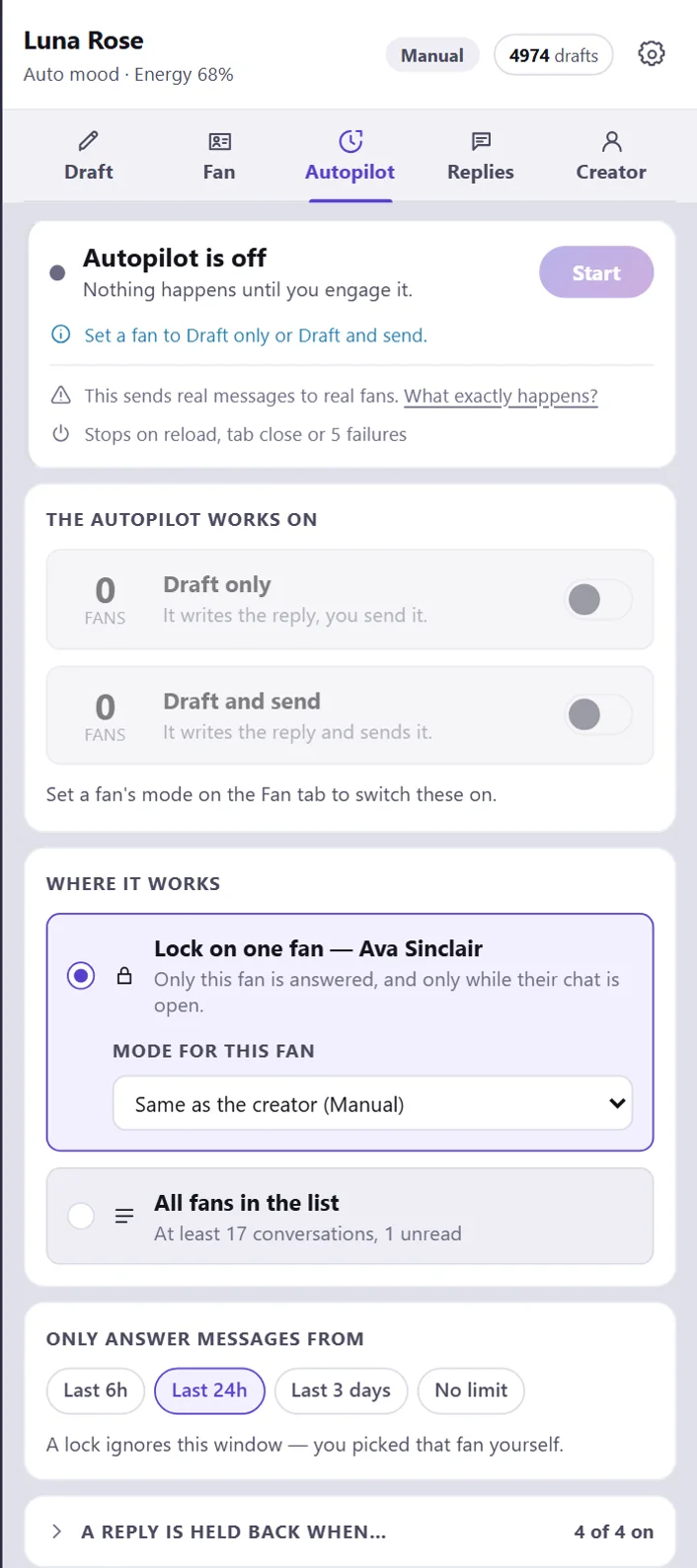
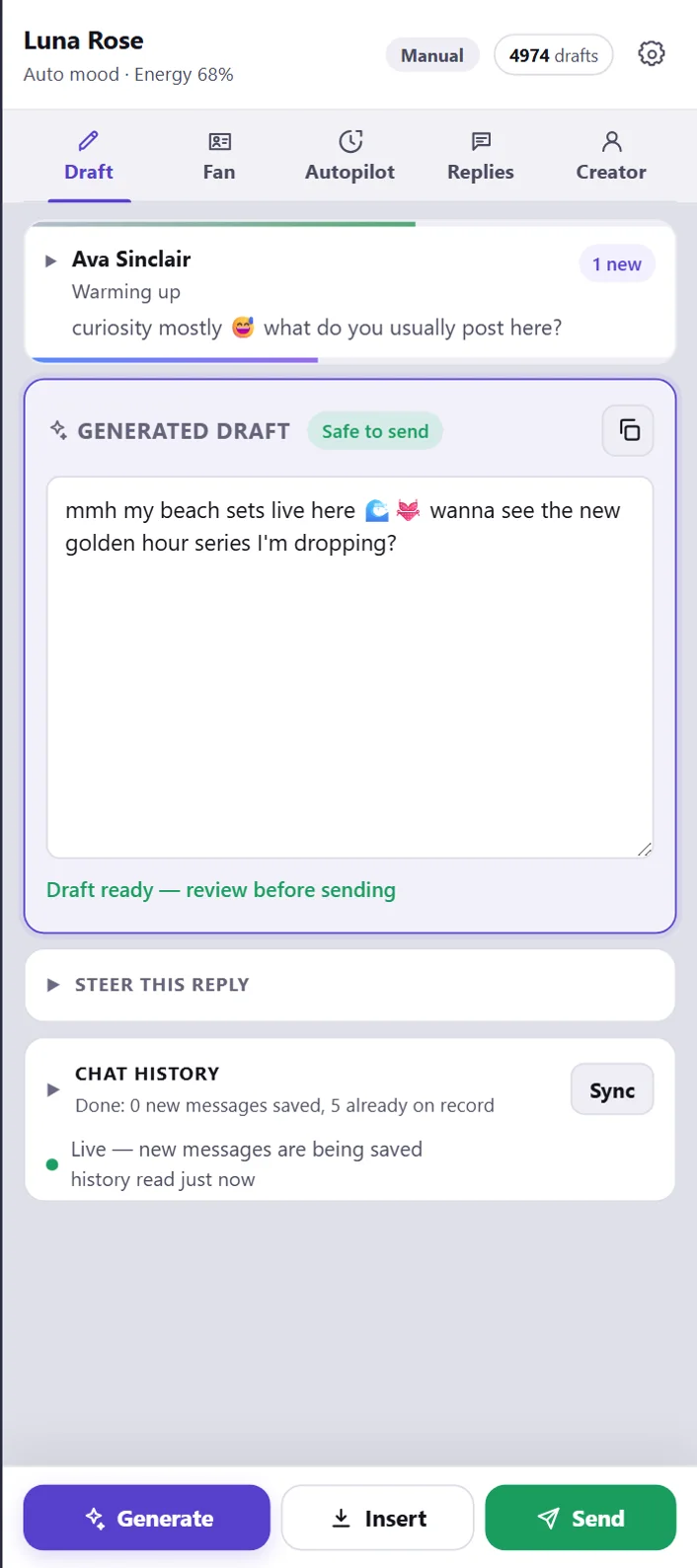
It sits beside the chat and never covers your messages. Read about the panel →
Get the extension →
One click writes a reply in the creator’s voice, right beside the chat.
Sufflera shows how ready a fan is to buy, and when he is, the reply makes a gentle offer.
His messages are translated into your language, and the reply is written in his, the way native speakers text.
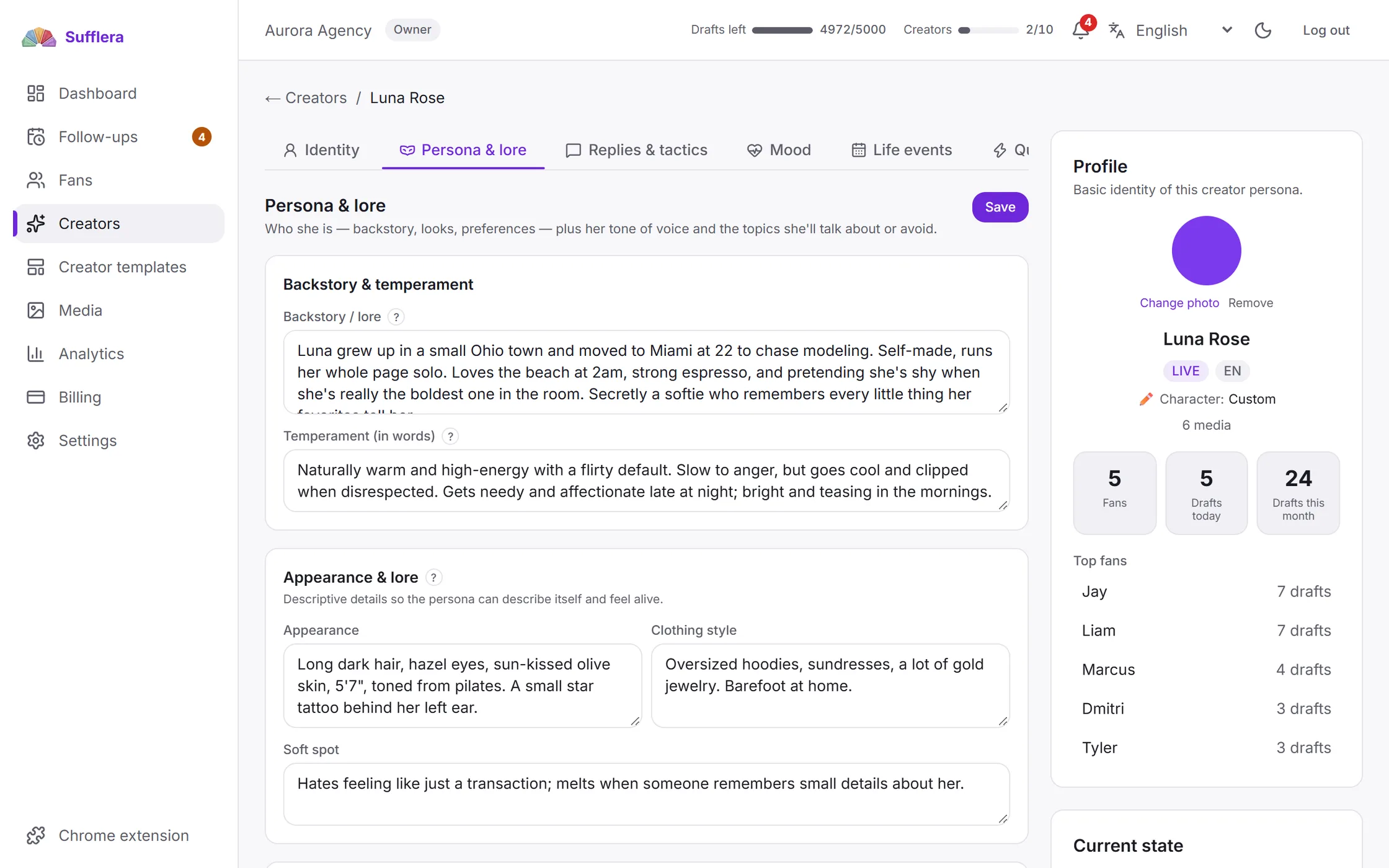
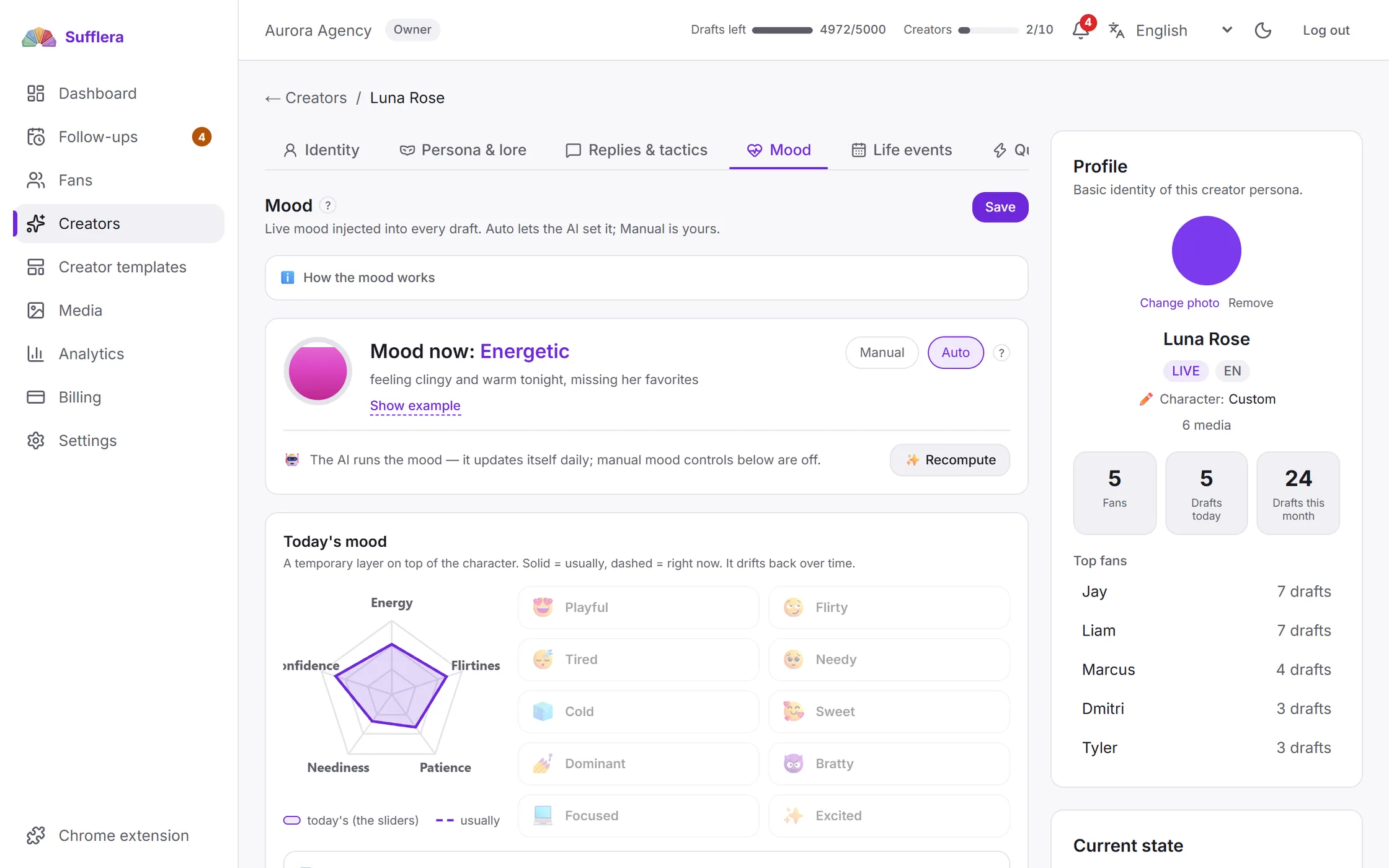
She has a life story and a mood that changes through the day, so she stays the same person in every chat.
Sufflera finds what to say. You read it and send.
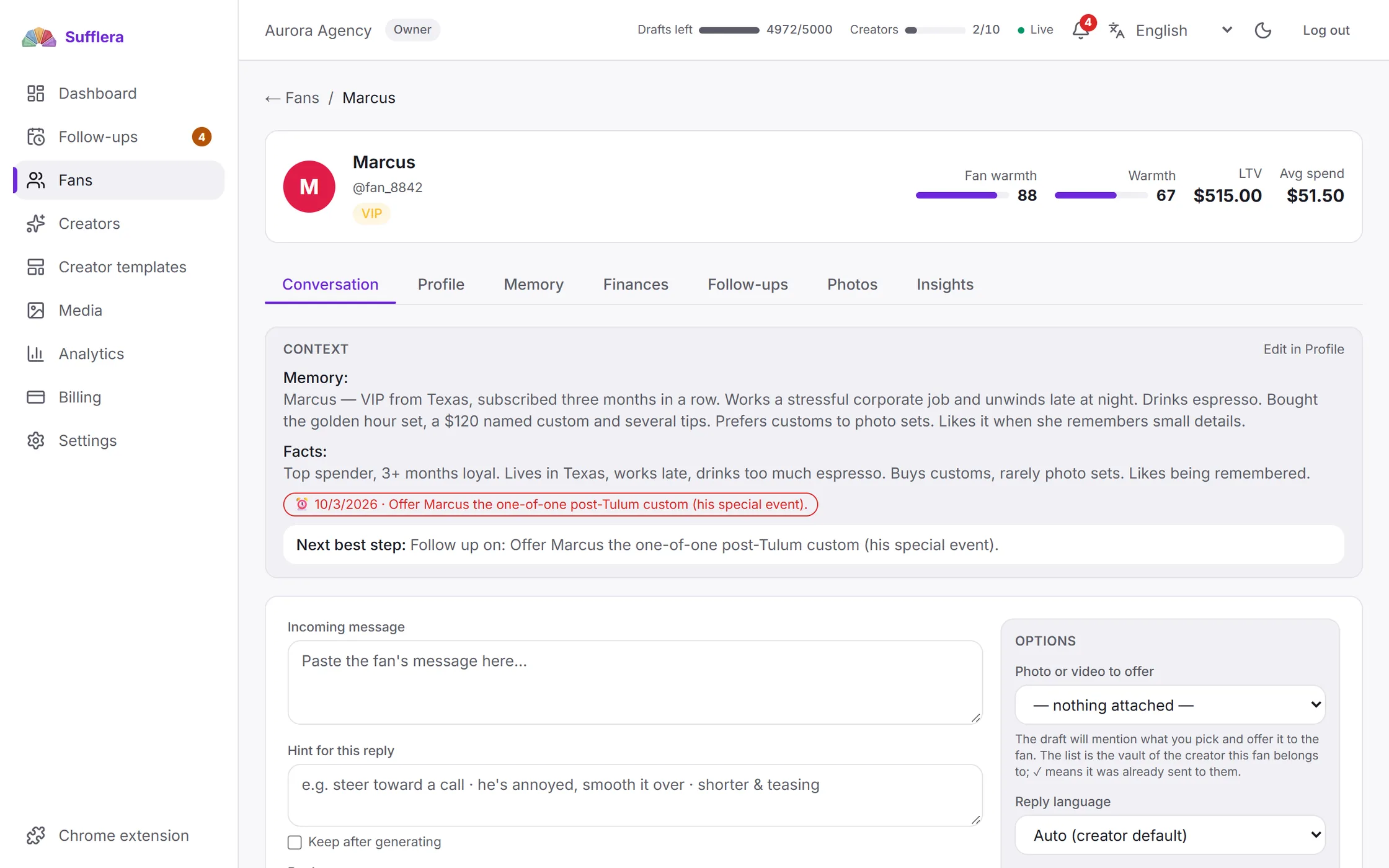
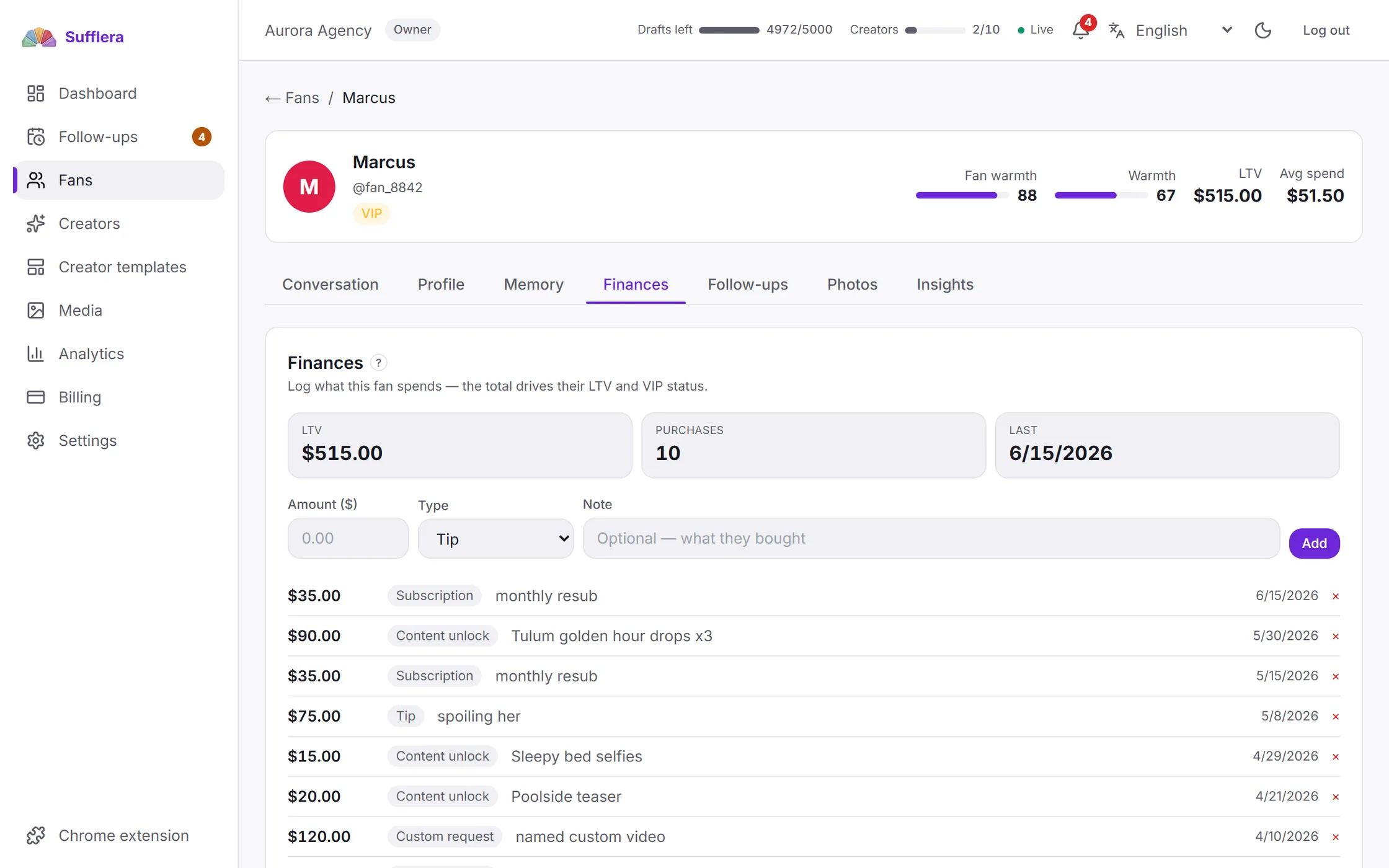
What he bought and what he told you goes into every reply.
Add “I’ll write Friday” with a date, and on Friday Sufflera reminds you.
Nothing sends by itself until you allow it. One button stops it.
Every chatter writes as the same creator, with the fan’s whole history.
The owner decides which creators each chatter can open. Sufflera never asks for platform passwords.
Who changed what, and how many drafts each chatter made.
A new team member doesn’t need to learn the creators’ style or the fans’ history: both are already in Sufflera.
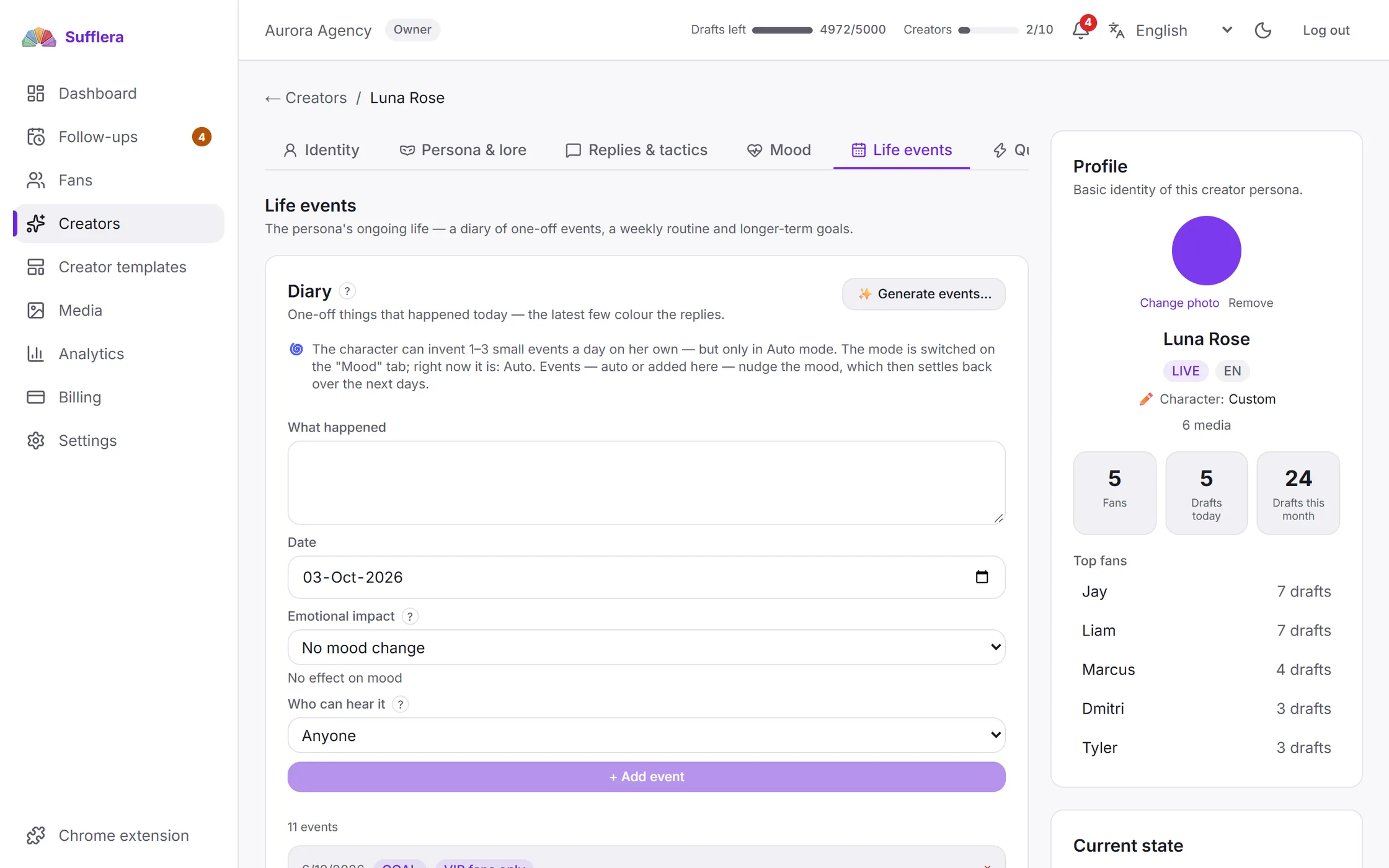
Ten fields say who she is and how she writes. You fill them once. Her mood then changes by itself through the day and returns to normal on its own.
hey beautiful, what are you up to tonight?
hey you 😍 just got home from the shop and i’m covered in soil, very glamorous. what about you babe – anything fun, or are we both being useless tonight?
hi you 🥰 nothing exciting. i was actually thinking about you earlier – you said this week was going to be a lot. did it end up being?
hey babe 😴 honestly nothing. closed at the shop and i’ve been horizontal since. pickle’s asleep on my legs so i can’t move even if i wanted to.
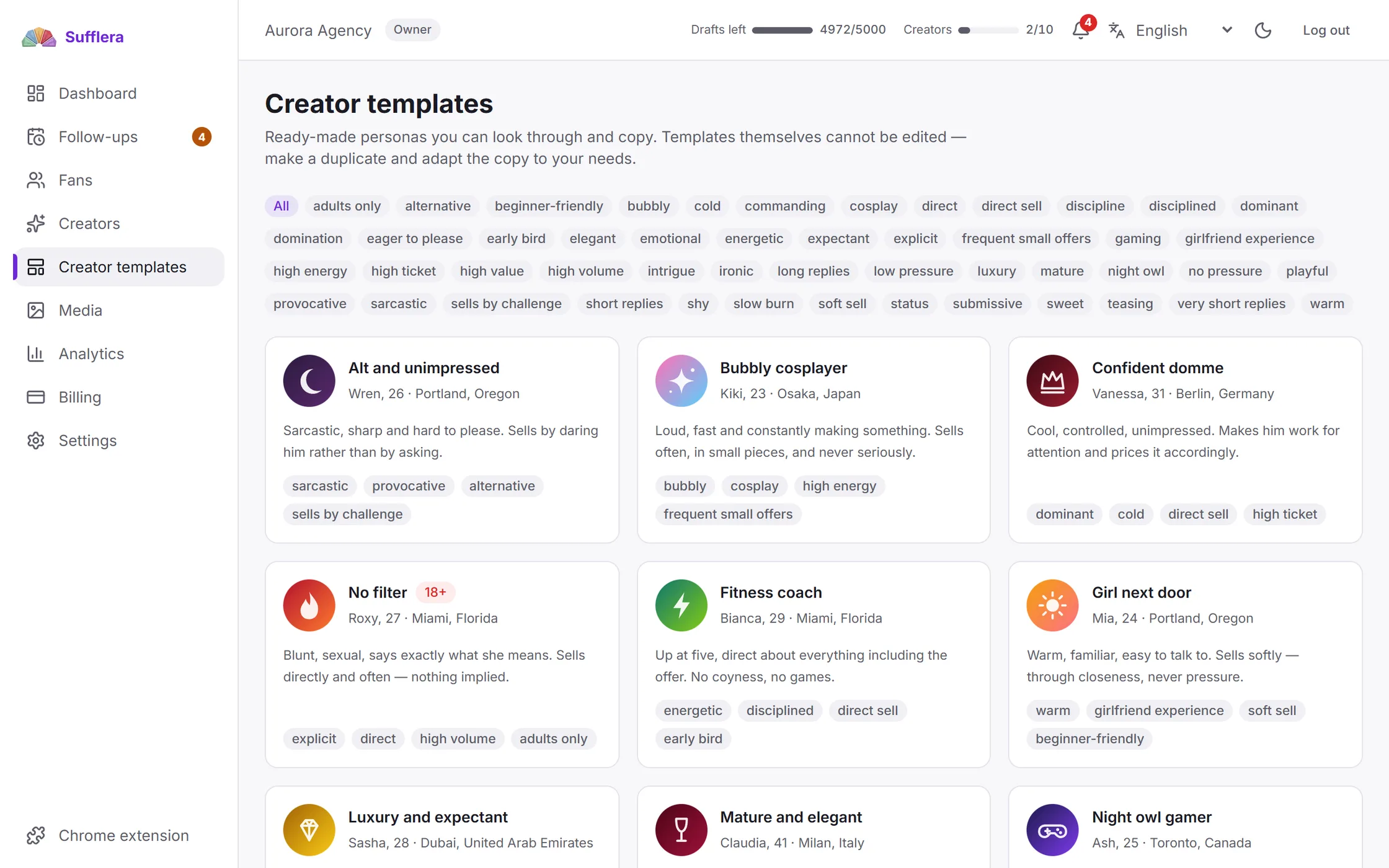
14 ready-made creators help you start fast, or you write your own. Open the gallery →
One screen to start a shift, and three that chatters never need to open.
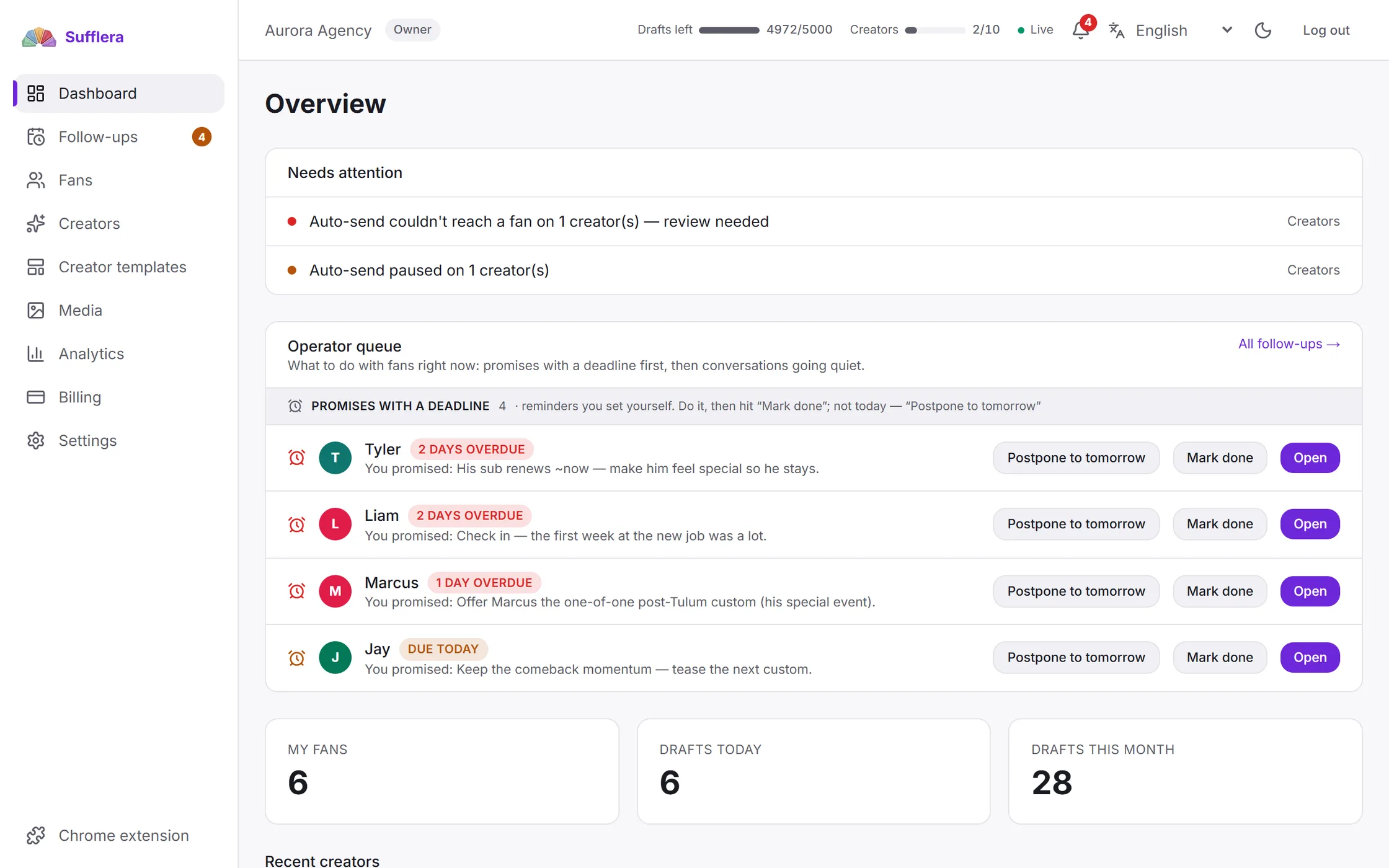
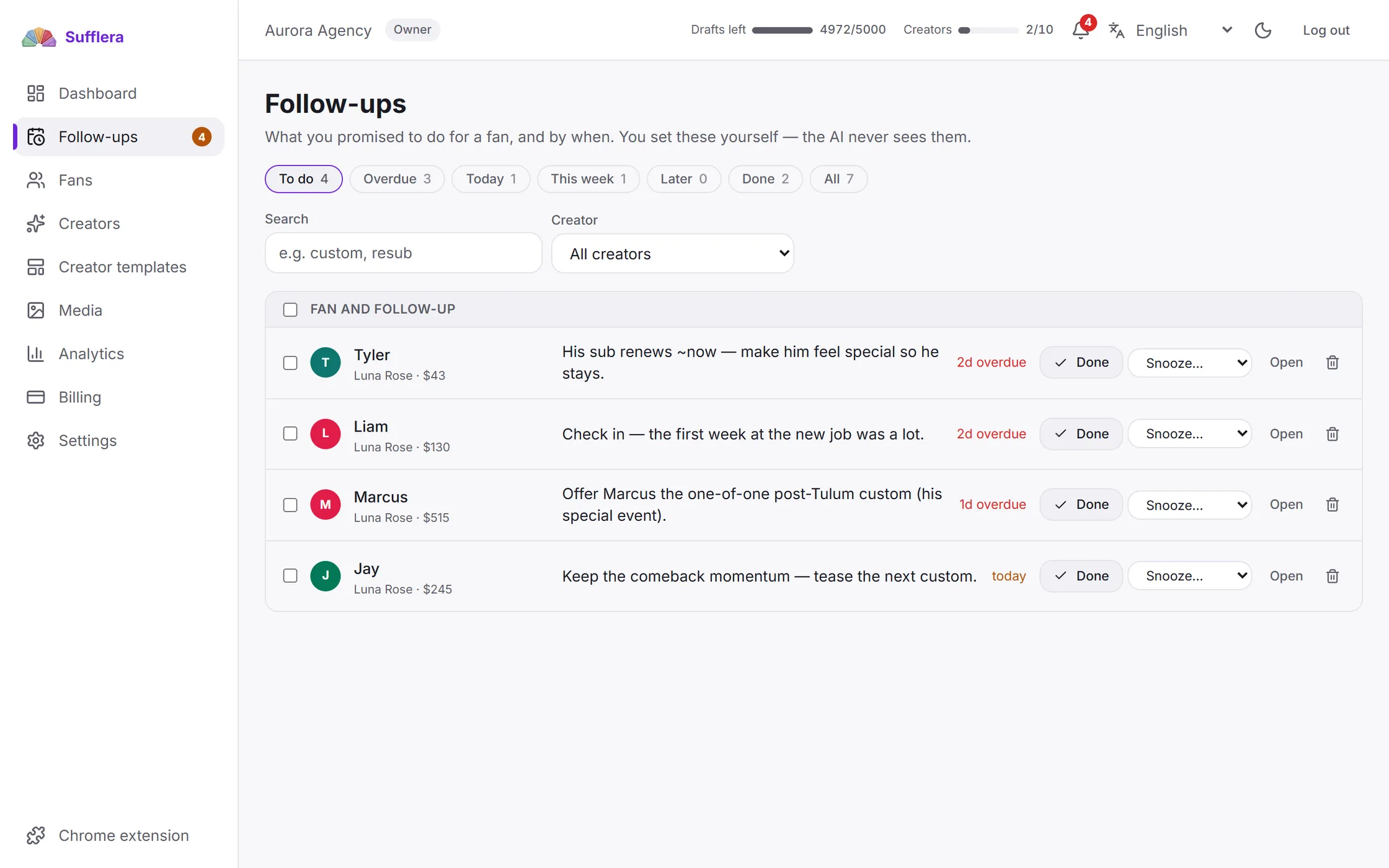
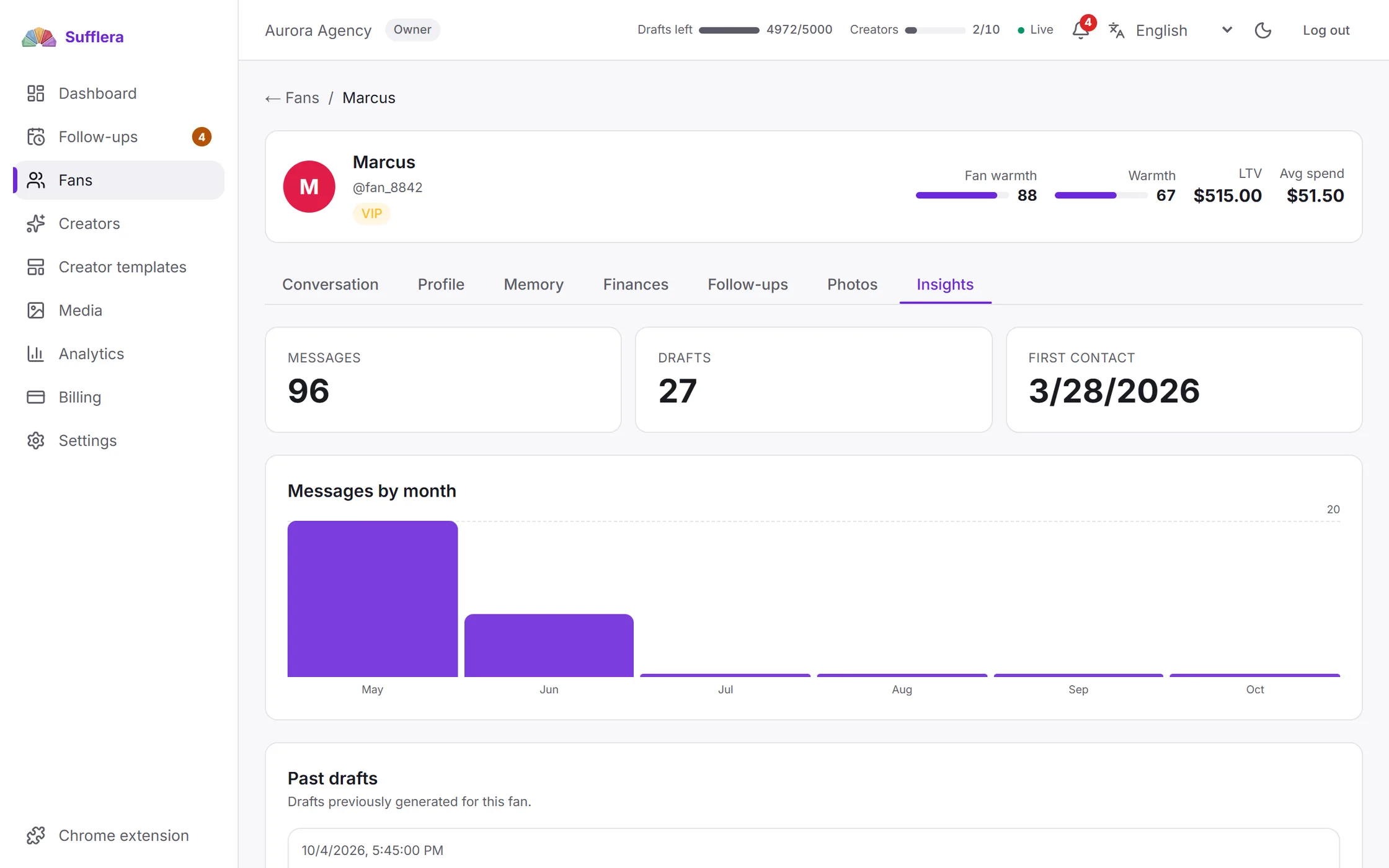
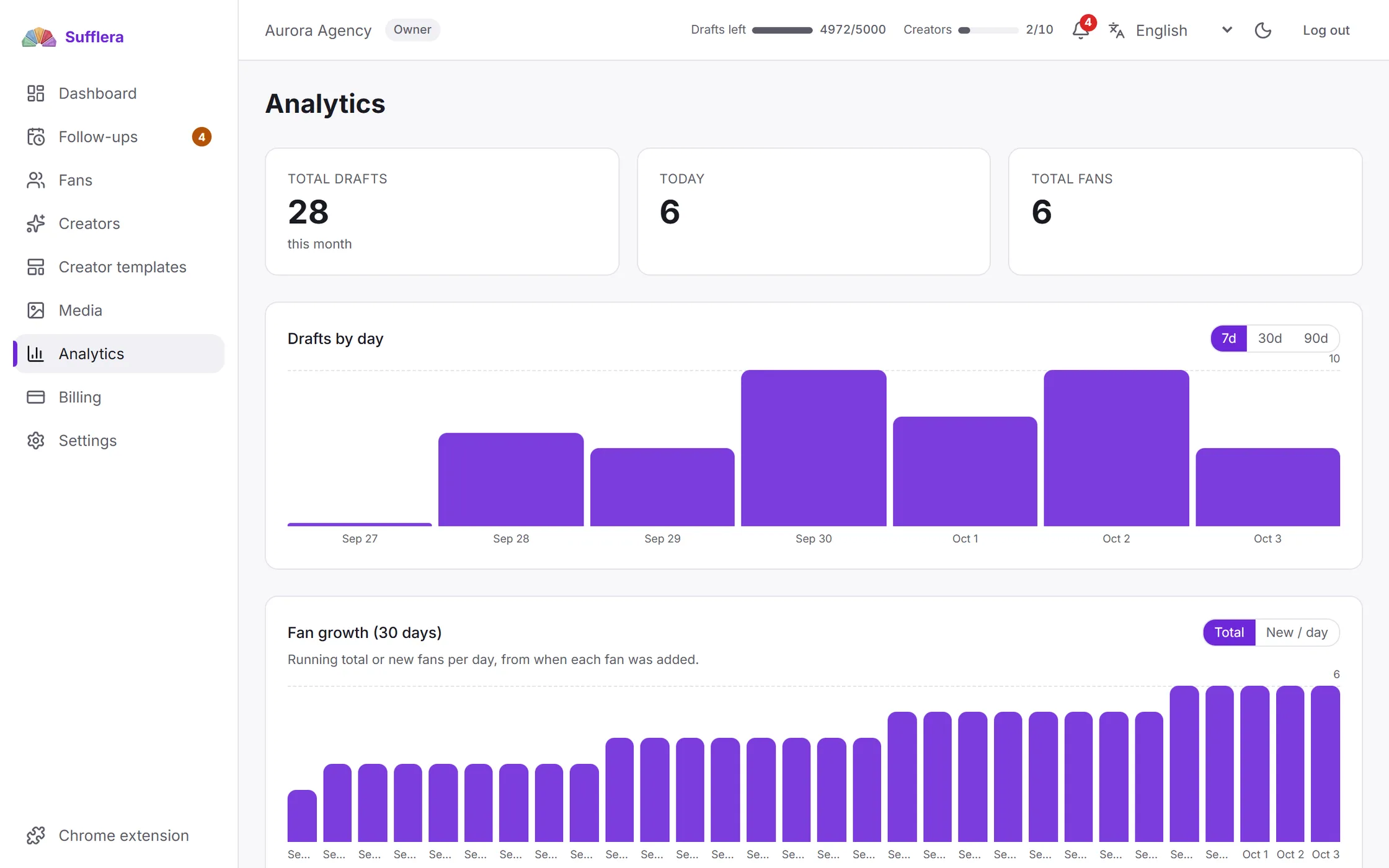
OnlyFans, Fansly and Fanvue, in the inbox your team already uses.
Old chats from all three platforms come in with one import. After that, everything stays current on its own.
When a platform changes, we send the fix. Nobody reinstalls anything.
For owners, shift managers and chatters, in six languages.
Five ready roles, and every permission can be changed. Our server checks access, so the rules work in the dashboard and the extension.
| Role | What they can do | Creators |
|---|---|---|
| Owner | Everything, including closing the account. This role cannot be edited. | All creators |
| Admin | Everything except deleting the account. | All creators |
| Manager | Creators, fans, drafts and analytics. No billing, no team management. | All creators |
| Chatter | Only the creators assigned to them. | Assigned |
| Accountant | Billing, the register and analytics. No conversations. | All creators, numbers only |
Access is checked on the server. A chatter cannot open a creator they were not assigned, even with a direct link. Our server checks their role on every request.
Two controls, both yours: a permission in the CRM and a switch in the panel. Nothing runs by itself until both are on.
A setting in your CRM, for each creator or for one fan.
A switch in the panel for one browser tab. A chatter turns it on and stops it in one click.
off in every new tab
| Autopilot off | Autopilot on | |
|---|---|---|
| Manualthe default | Nothing | Nothing. A chatter asks for each draft. |
| Draft onlyyou allowed drafting | Nothing | A draft is waiting. A person sends it. |
| Draft and sendyou allowed sending | Nothing | It can send by itself |
Every creator starts in Manual, and autopilot starts off in every tab. Two separate human decisions are needed before anything sends itself.
automatic messages per browser at most, at least 8 seconds apart
hours in her time zone: nothing is sent at night
is never answered automatically
stops automation and hands the chat to a person
I remember you saying you work in Munich.
Caught: a fact not in his record. Names, cities, jobs and pet names must come from the CRM or his messages.
Look at the photo below 😘
Caught: a photo that is not attached. Sufflera checks what is really attached.
$30, like we agreed last week.
Caught: a price, discount or purchase that never happened. Checked against his purchases.
If the check is unsure, a person sees the draft instead. Autopilot never sends a draft that fails it. The full list →
From people who used Sufflera in their daily work
Sometimes I look at a chat and have no idea what to say. I click generate, and either send it or use it as an idea and fix it. And it’s based on our past conversations, not random text.
When you have a lot of fans, remembering everything is just impossible. Sufflera keeps it all, so I can be really attentive to each one, even if I’ve forgotten our last conversation.
It translates into the fan’s language and for me at the same time. I used to run between translators and tabs, my replies were slow, and it wore me out.
I can see how ready a fan is to buy, so I know how far I can push content. That helps most when there are lots of chats and I don’t remember where we left off.
7,200 replies a month
2,000 drafts a month for$100$96
For a creator who runs their own chats. It is the lowest slider position, not a trial, and it renews monthly like a paid one.
Confirm your email and get 100 extra drafts in your first month. Nothing switches off when they run out.
No ready-made plans to choose from. Move two sliders and the price follows. No tiers, no “contact us for Enterprise”.
We do not charge for the size of your team. No price per seat or user, and no limit on fans.
Need more this month? Buy a draft pack. Its drafts join your monthly drafts and expire at your next renewal, like the rest.
We run our own payment server, with no payment company in between. We never get or store card, bank or wallet details.
Your subscription and packs are paid from it, never from your card or wallet. That is why you cancel with a switch.
Full access for 3 more days, then the subscription pauses. Unpaid bills never delete your data.
Write to us. The price we agree stays fixed for your account.
They get 20% off their first paid month. You get 20% of it once, after they pay.
No card. The free option is a real $0 subscription.
Your data stays yours. You export or delete it yourself, in the product.
No platform passwords. The panel works in the tab where you are already logged in. We never ask for, store or see your platform login.
Accounts are fully separated. Our server never shows one customer another’s data.
Drafts are deleted after 180 days. Safety logs hold no personal data.
Only if you turn it on, which takes two steps: a permission in the CRM and autopilot on in that tab. By default, a person sends everything.
Yes. Memory, the creator’s voice and drafts work the same for one person. Roles and logs are there if you add a chatter.
Platforms set their own rules on assisted and automated messaging, and some restrict it. Whether your use is allowed is for you to check, and that risk stays with you – §6 of the Terms of Service. What we control: nothing automatic happens by default, and you choose what to allow, fan by fan if you want.
USDT on the TRON network. An invoice is valid for 60 minutes. A transfer that arrives up to six hours after that is still credited – we keep watching the address that long. Later than that, or in the wrong asset or network, and it can be lost (§10.6 of the Terms).
It is fast, and card processors often restrict this industry. The money goes to your balance.
We send the fix from our server. Nothing to reinstall.
No. They see the creators assigned to them, in the dashboard and in the extension – the same check, on the server.
It is yours; we process it on your instructions. Export and deletion work from inside the product. Details are in the DPA.
Yes. Fan messages are translated for you, and replies go out in his language. Both are checked.
Your balance stays on the account and is not consumed by cancelling. It is not refundable – §10.7 of the Terms of Service.
One creator and 100 drafts a month are free. It is a real $0 subscription, not a trial.