
Short answer
Share your link from Settings → Referrals. Whoever signs up with it gets 20% off their first paid subscription, and when they pay, 20% of their full monthly price lands on your account balance. There is no limit on how many people you invite, and the link never expires.
How does it work?
| They get | 20% off their first paid subscription |
| You get | 20% of their full monthly price, on your account balance |
| When | At the moment they first pay |
| How many people | No limit |
| How long the link counts | For good. The connection is recorded at sign-up and never expires |
Both amounts come from the same number: the full monthly price their two sliders produce, before the discount.
A worked example
Someone you invited builds a subscription with 2 creators and 1,000 drafts a month. The price calculator gives $200 a month (how the price is built).
| Amount | |
|---|---|
| Their monthly price | $200.00 |
| What they pay the first time (20% off) | $160.00 |
| What lands on your balance (20% of $200) | $40.00 |
| From the second month | They pay $200; nothing more is added for you |
The reward is settled at that first payment. If they raise their numbers later, renew, or buy draft packs, it does not change. So the size that matters is the one they start with, and helping someone work out the numbers they actually need is worth more than pointing them at the smallest.
Why the free setting does not use up the discount
The lowest position on the sliders, one creator and 100 drafts, costs $0. Switching it on is not a payment, so the discount is untouched and nothing is credited to you yet.
That is the usual path: someone signs up through your link, tries the free setting for a week or a month, and only then builds a paid subscription. The discount applies to that payment, and that is when your reward arrives. There is no deadline for it.
Where to find your link
- Open Settings → Referrals in the dashboard.
- Copy your invite link. Everyone on the team has their own, owners, managers and chatters alike, and it never changes.
- Share it however you like. It opens the normal sign-up page.
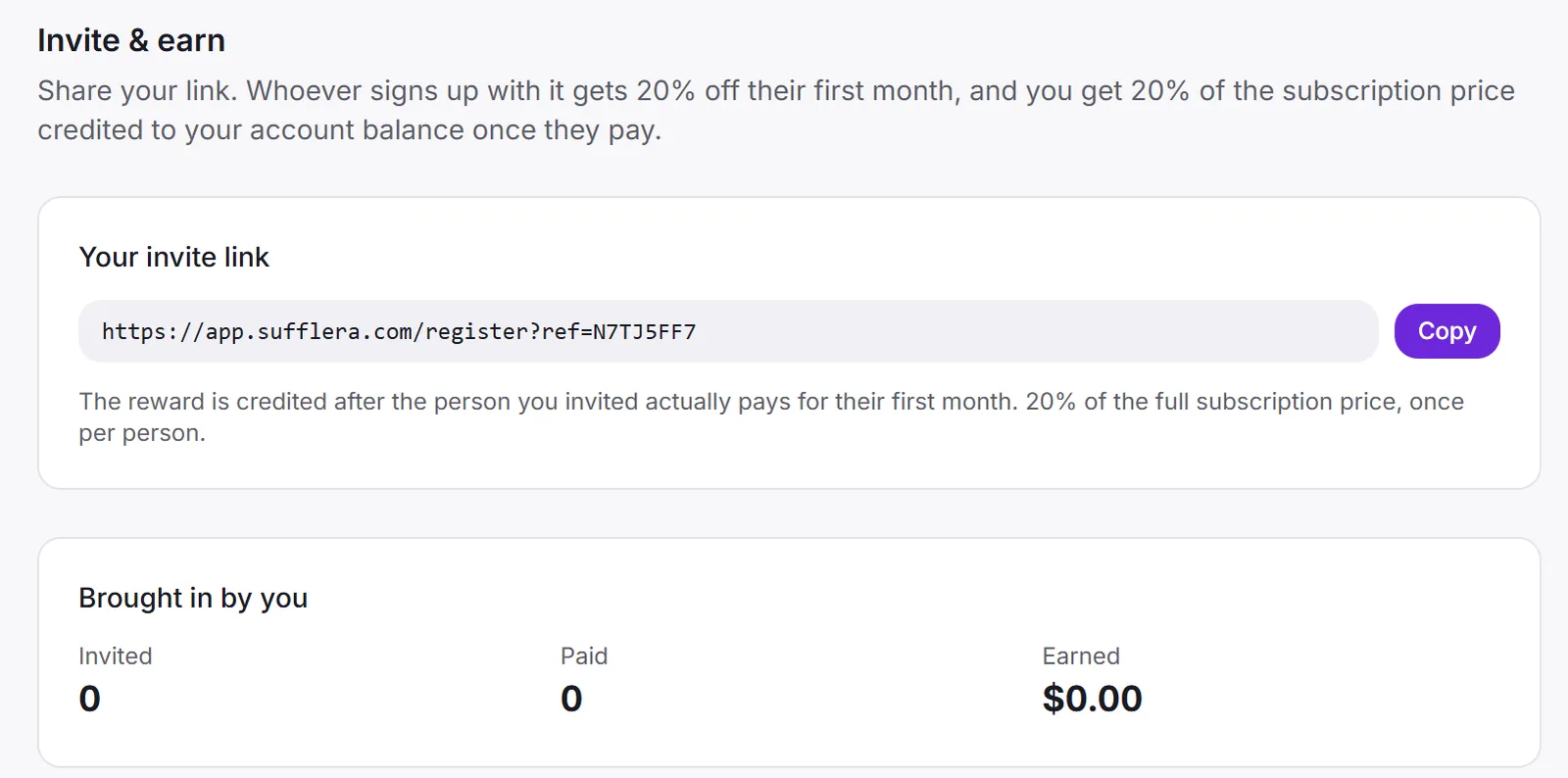
Rewards go to the account’s balance, not to one person, and they pay for the account’s own subscription. You see dates, statuses and amounts for the people you invited, never their names, email addresses or business details; they learn nothing about you either.
The percentage is fixed when someone signs up. If the programme changes later, the people who registered before keep the terms they signed up on.