
Short answer
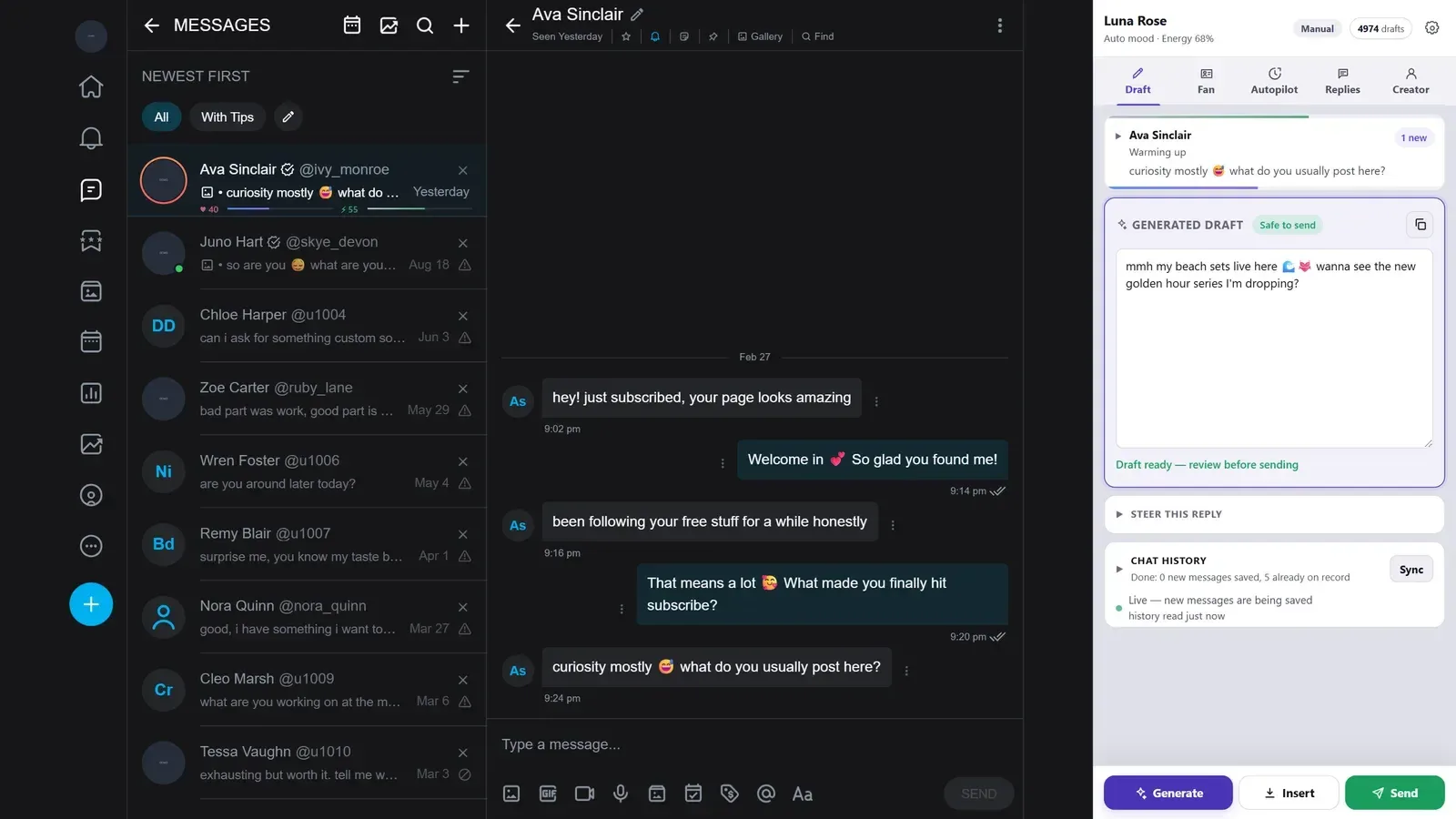
Sufflera is a CRM and reply assistant for OnlyFans, Fansly and Fanvue. A side panel in Chrome recognises the fan in the open chat, pulls up his history and writes a draft in the creator's voice. A person reads it and decides what goes out. It works for agencies with chatting teams and for creators who answer their own fans.
What does Sufflera do?
Three things, every time you open a chat.
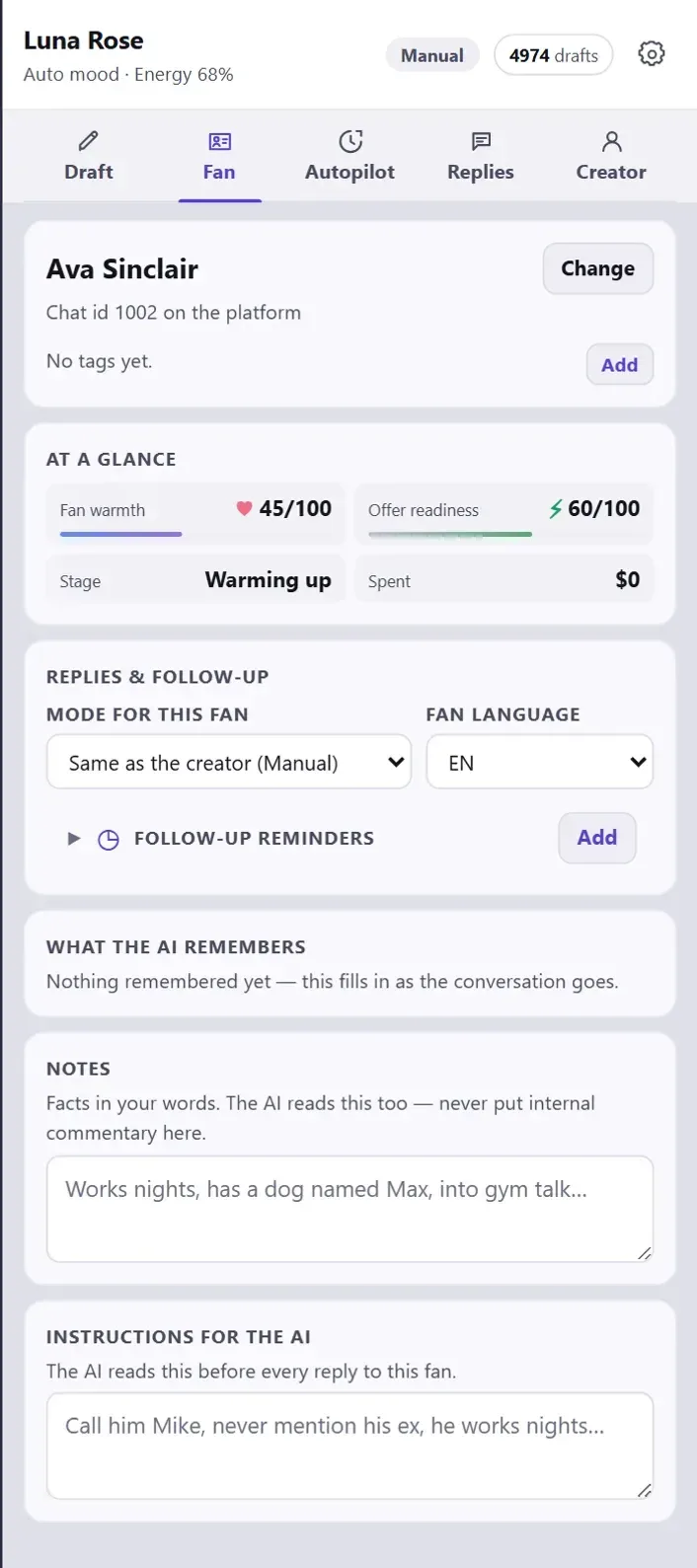
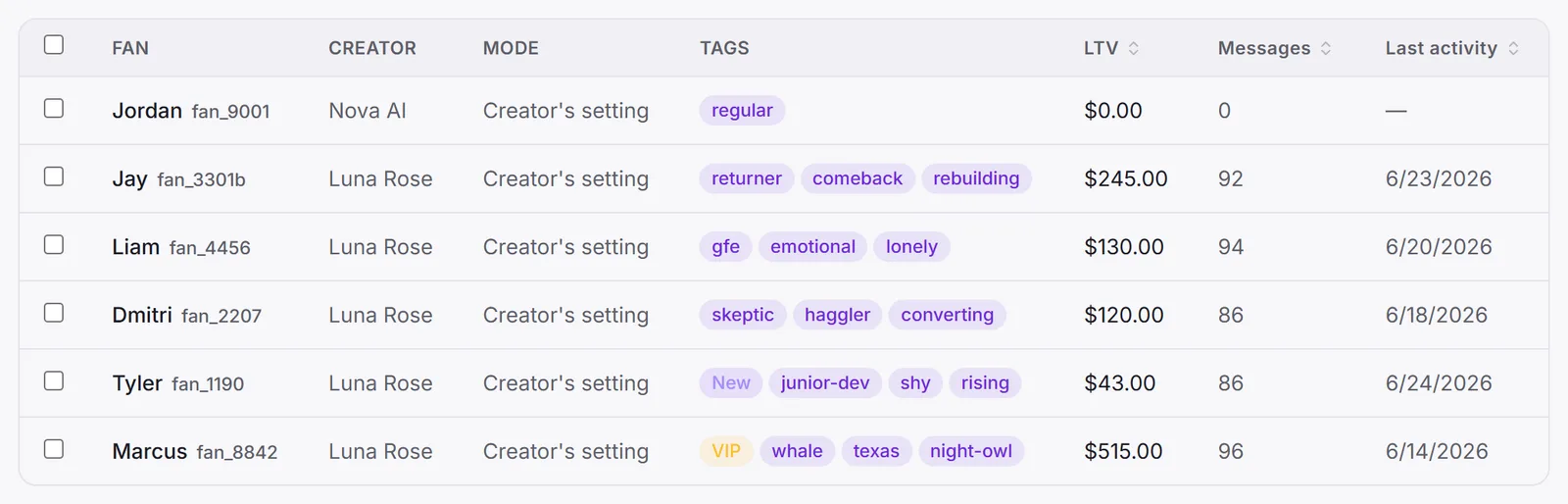
- Finds the fan. The panel reads the open conversation and brings up his card with everything he has bought and anything you noted about him.
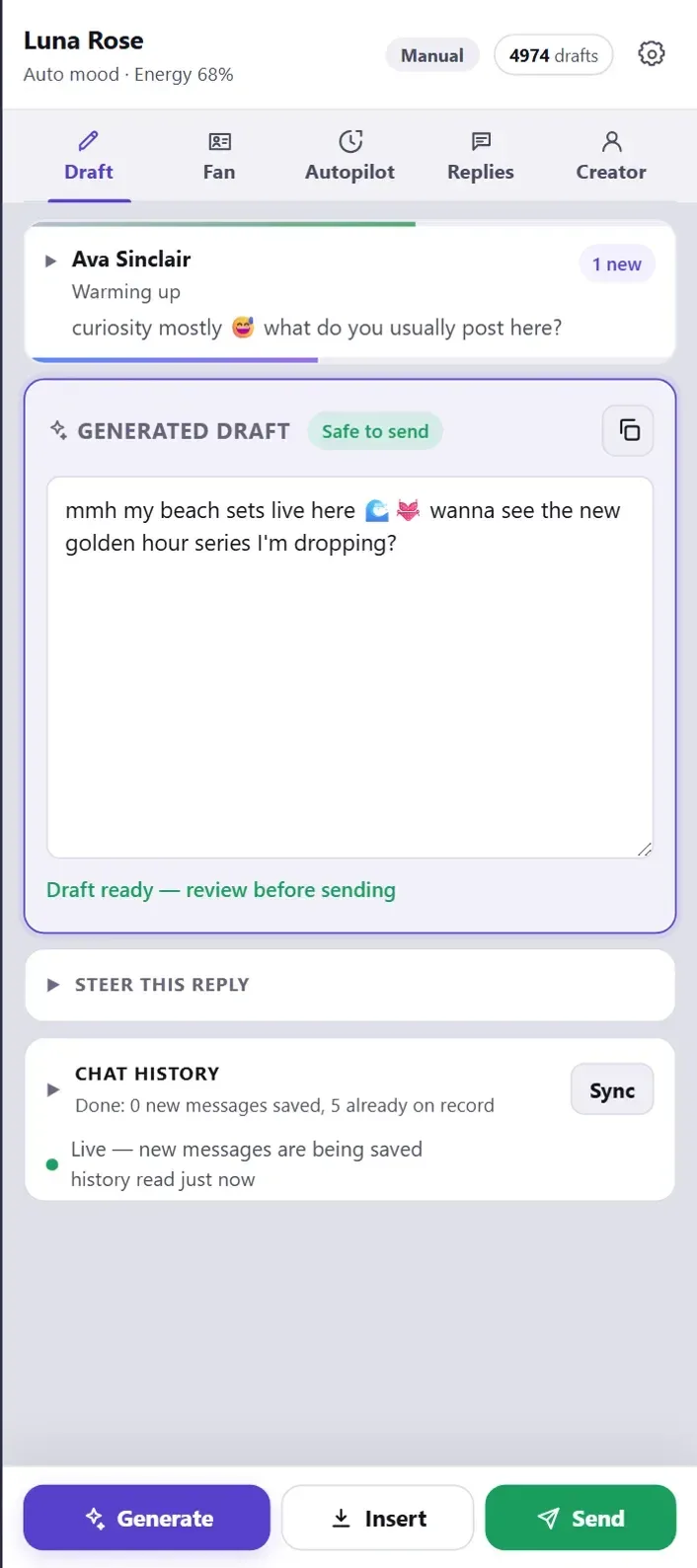
- Writes the reply. A draft appears in the panel, in the creator’s voice, and it has been checked before you see it.
- Keeps the record. Copy it, insert it or press Send. Either way the message lands in the fan’s history, and the next draft starts from there.
 Fan: who he is
 Draft: what to say
 Autopilot: off until you start it
Everything in the dashboard exists to make those three steps better. The panel is where the work happens.
Who is it for?
Two kinds of people use it, and they get different things out of it.
An agency
- Chatters work in shifts and see only the creators assigned to them.
- A persona sounds the same whoever is on shift.
- Managers decide what the autopilot may do, creator by creator.
A creator on her own
- The reply is half-written by the time you open the chat.
- Purchases and promises live on the fan’s card, not in your head.
- Answers to the questions you get every day are saved once.
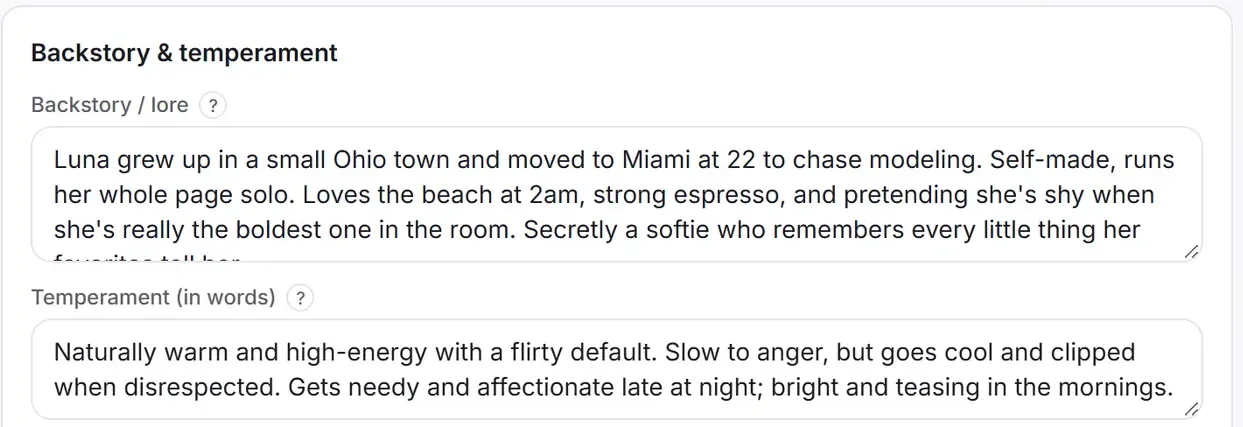
If the creator is a fully AI-generated model rather than a real person, the same tools apply, with moods and life events doing more of the work: how to run fan chats for an AI-generated model.
Who sees what in a team?
Every teammate signs in with their own login and gets a role. The role decides what they can open: the menu is cut to fit, and the server checks the same rights on every request, so a hidden button is never the only lock.
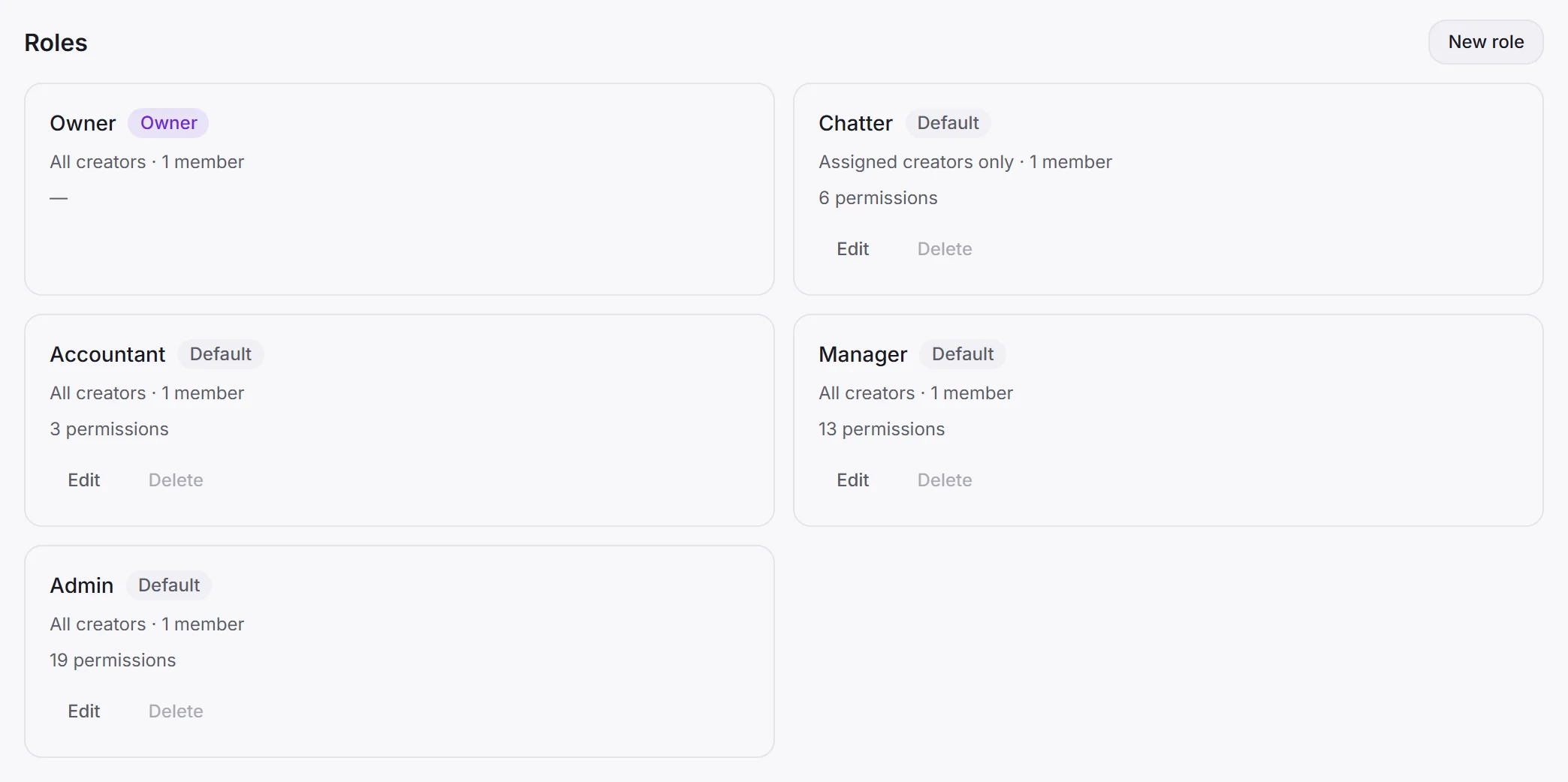
A new account comes with five roles:
- Owner has every right, deleting the account included. The role itself cannot be changed.
- Admin has everything except deleting the account.
- Manager runs creators and fans. They can look at the team but not change it, and billing is closed to them.
- Accountant pays the bills and sees analytics, nothing more.
- Chatter works with fans and writes drafts.
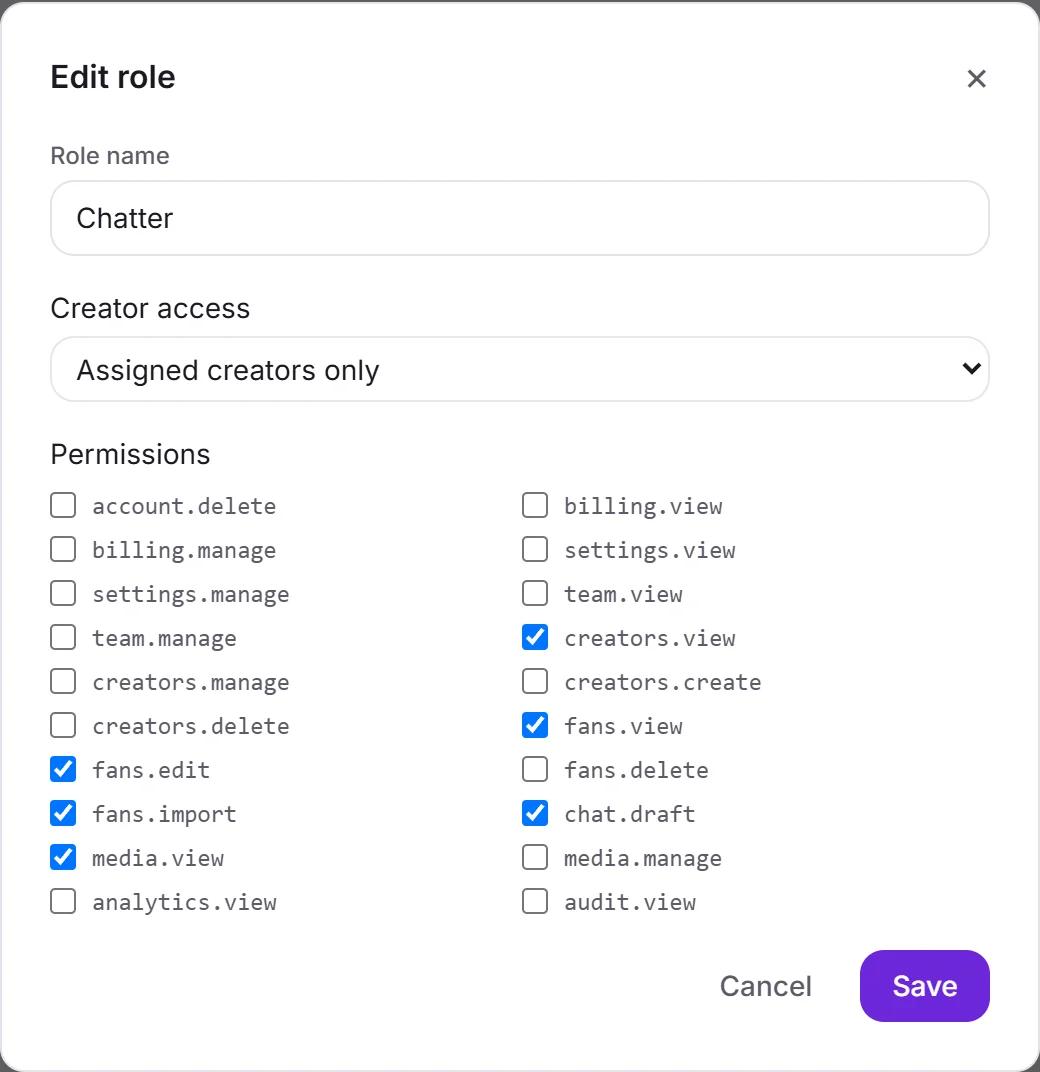
A role is a list of ticks. The Chatter has six: view creators and their media, view, edit and import fans, and write drafts. Deleting anything is off, and so is billing.
If you trust your chatters with the persona, tick creators.manage and they can edit it too.
The other half of a role is Creator access: All creators or Assigned creators only. A chatter on assigned access sees the creators you give them and those creators’ fans, and nothing else, in the dashboard and in the extension alike.
Any role except Owner can be edited, and you can add roles of your own. How to set up a team, and how shifts hand over: running a chatting team.
Where does it work?
| OnlyFans | Fansly | Fanvue | |
|---|---|---|---|
| Recognising the fan and showing his card | ✓ | ✓ | ✓ |
| Drafts in the panel | ✓ | ✓ | ✓ |
| Insert and send from the panel | ✓ | ✓ | ✓ |
| Importing past conversations | ✓ | new messages only | ✓ |
On Fansly the panel saves every new message as it arrives, but cannot yet pull in a long conversation that happened before you installed it.
The panel is a Chrome extension. It runs in your own browser, inside the platform session you are already signed into. Sufflera never asks for your platform password and has nowhere to keep one; what it reads and what it never touches.
How much does the AI do on its own?
By default, nothing. Every fan has one of three reply modes, and every new creator starts on the first.
| Mode | The draft | Who sends it |
|---|---|---|
| Manual | Written when someone presses Generate | A person |
| Draft only | Written by the autopilot while it runs | A person |
| Draft and send | Written by the autopilot while it runs | The autopilot |
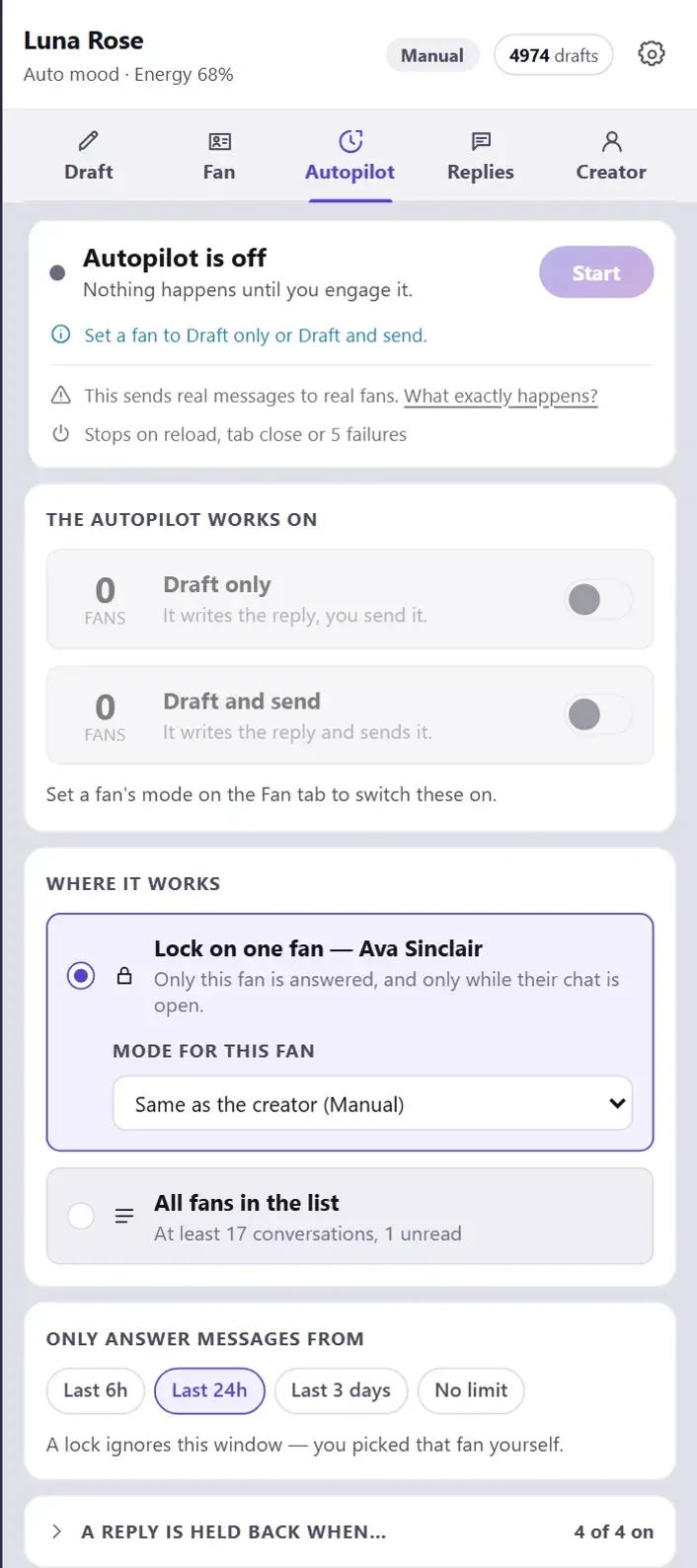
The autopilot does nothing until someone presses Start in the panel, in that browser tab. For a message to go out on its own, four things must agree: the fan is on Draft and send, a manager has allowed it for that creator, that group of fans is switched on in the panel, and the autopilot is running. The reply also has to pass every check.
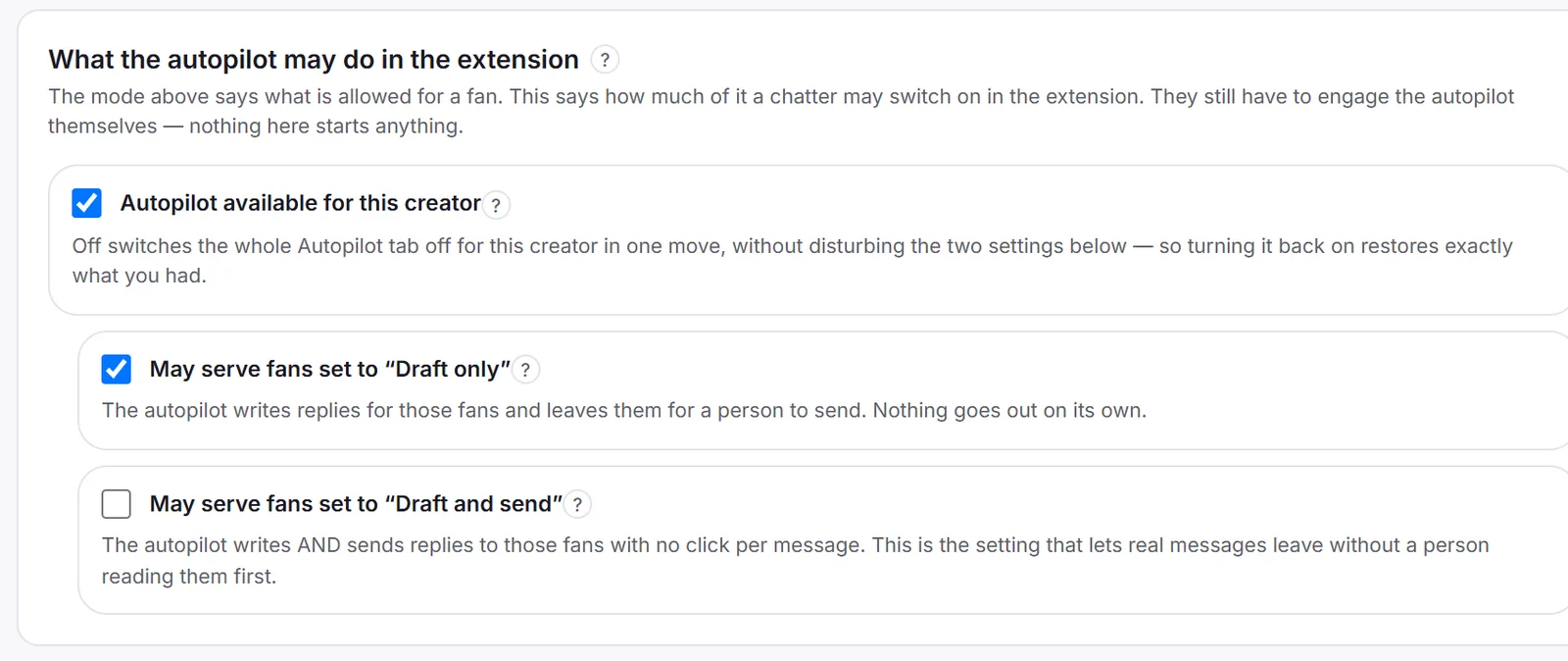
Even then it stops and waits for a person in four cases: the fan seems to be in crisis, he is complaining, he keeps pushing a banned topic, or it is the middle of the creator’s night. All four stops are on by default. More on how a draft is written and checked: from fan history to draft.
What does it cost?
There are no plans to choose from. You set two numbers, creators and drafts per month, and the price follows from them.
The lowest setting, one creator and 100 drafts, is free. It is a normal subscription, not a trial, and every feature works on it: you pay for volume only. Move the sliders on the pricing section to see your number, or read what Sufflera costs with worked examples.
Where to start
Setup is five steps: pick a creator template, describe her tone, install the extension, open a chat and press Generate. The setup post walks through each one with screenshots, and the 14 templates help you pick the first. New to chatting with fans? Start with how to talk to fans.